Replacing a faucet aerator with housing
How to replace a faucet aerator with housing:
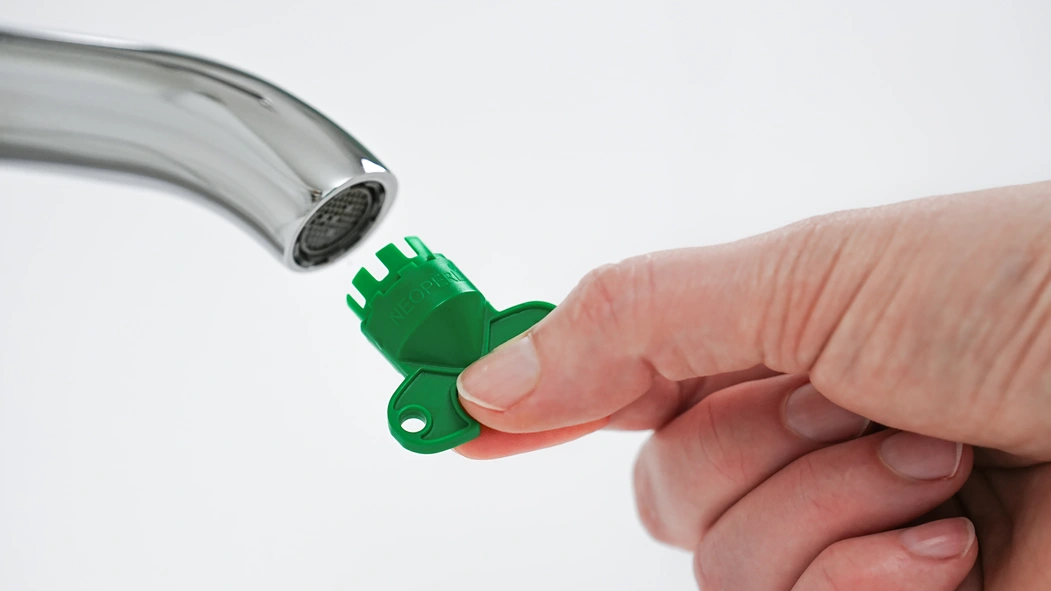
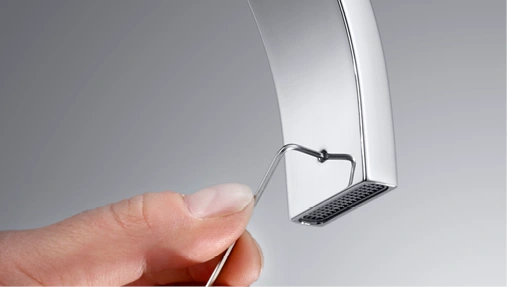
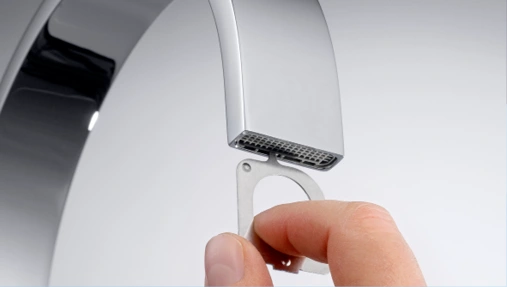
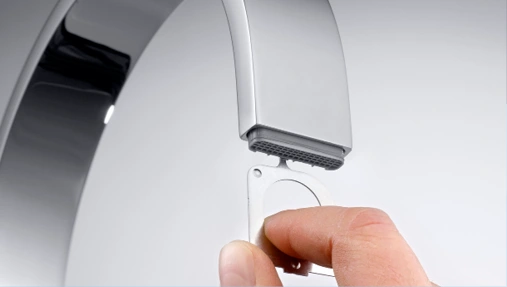
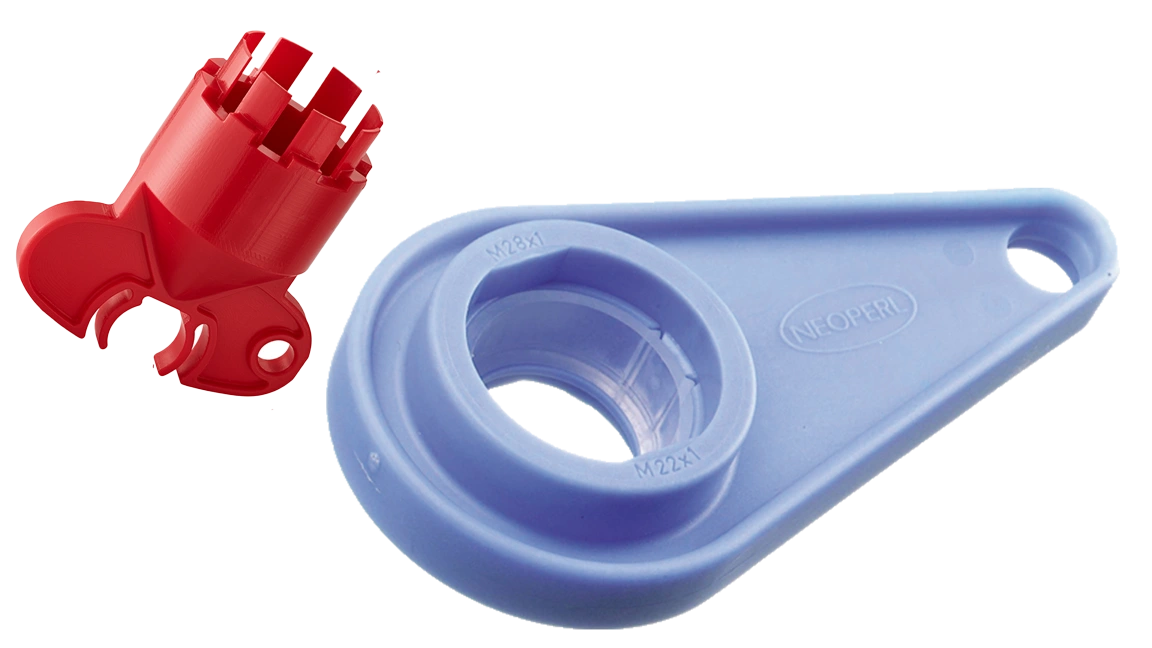
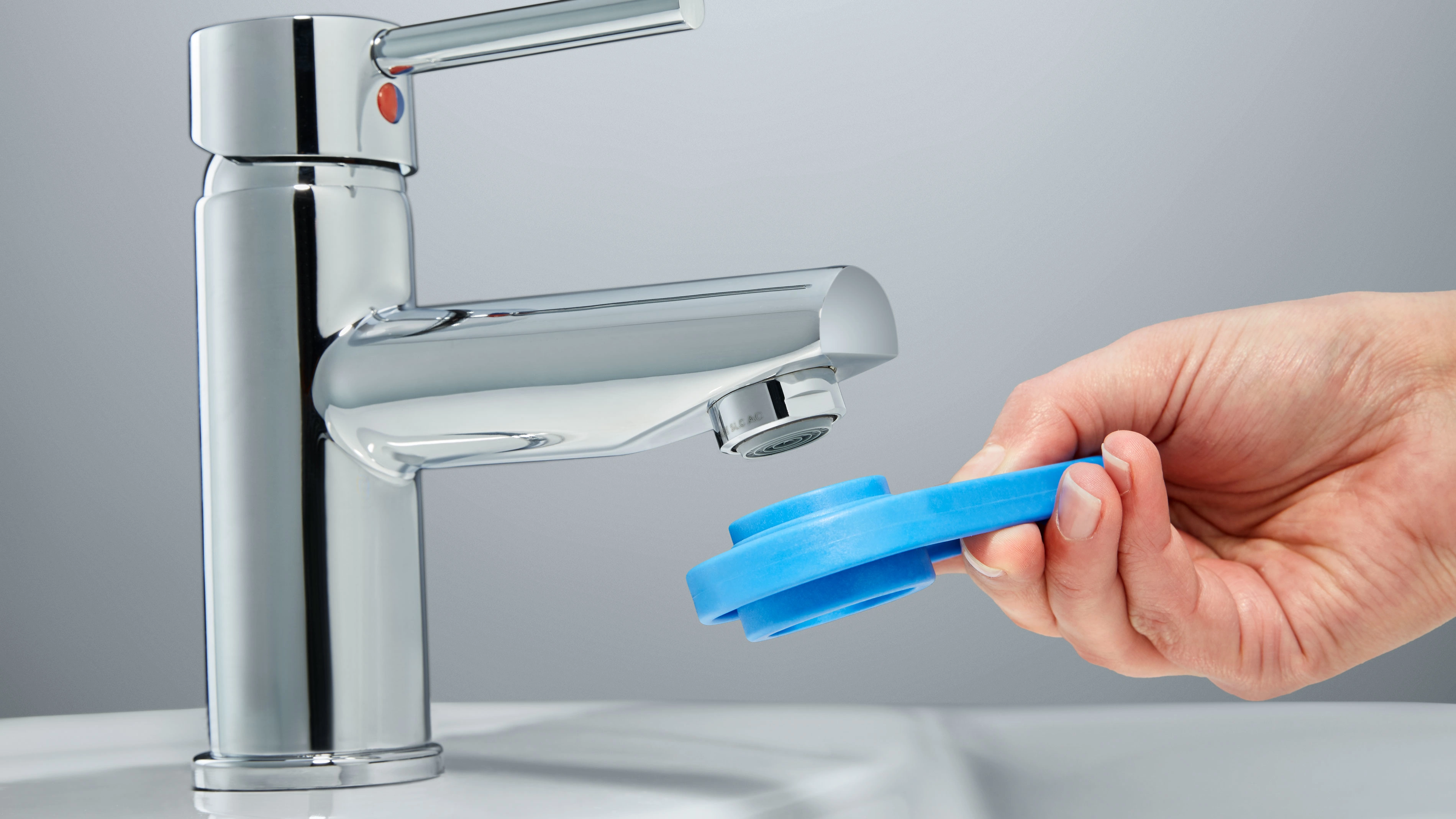
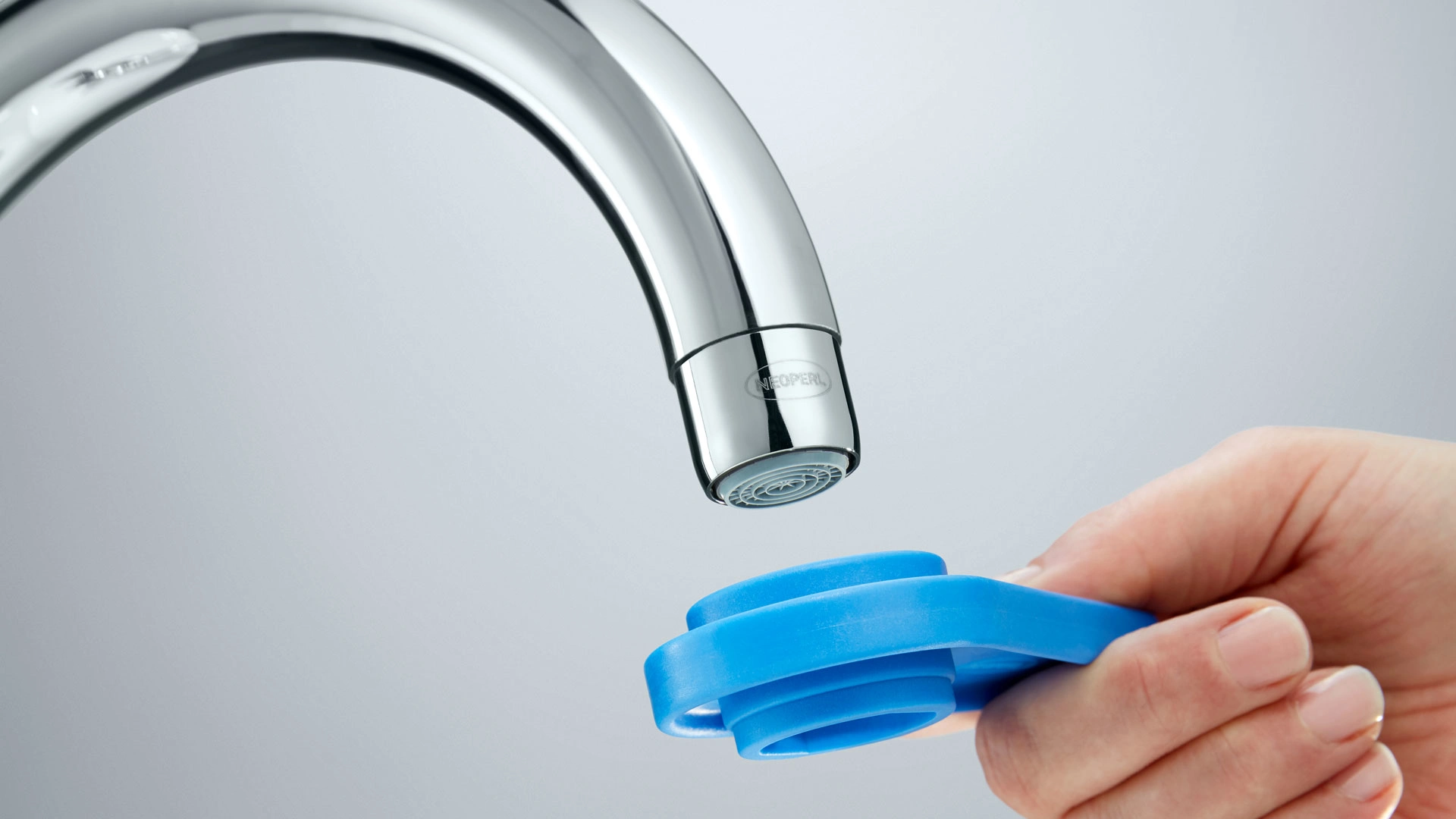
- Loosen the aerator with a suitable key, then you can unscrew it by hand. You can see which key fits under › installation tools. Use a NEOPERL service key to avoid unsightly scratches on the chrome surface of your faucet. If a lot of limescale has built up on the aerator, it will take more effort to remove it.
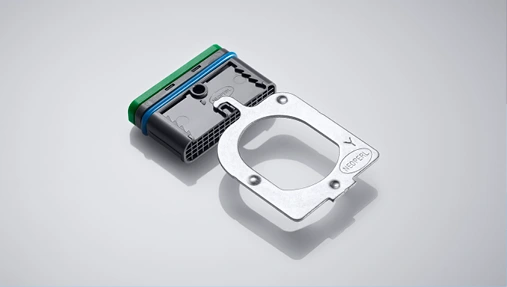
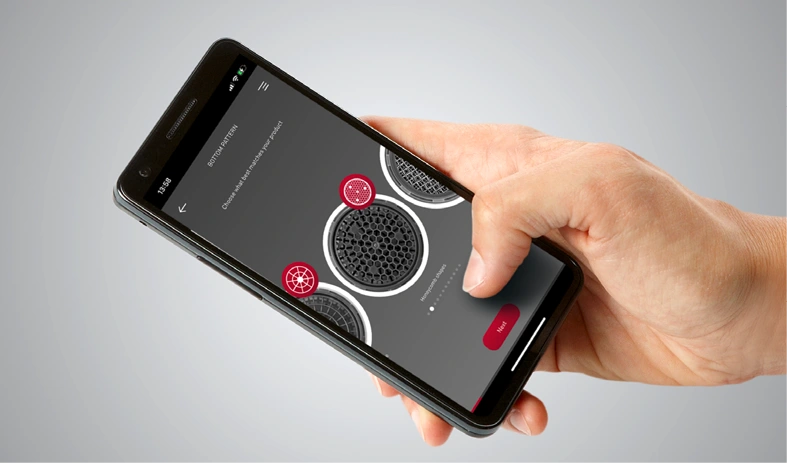
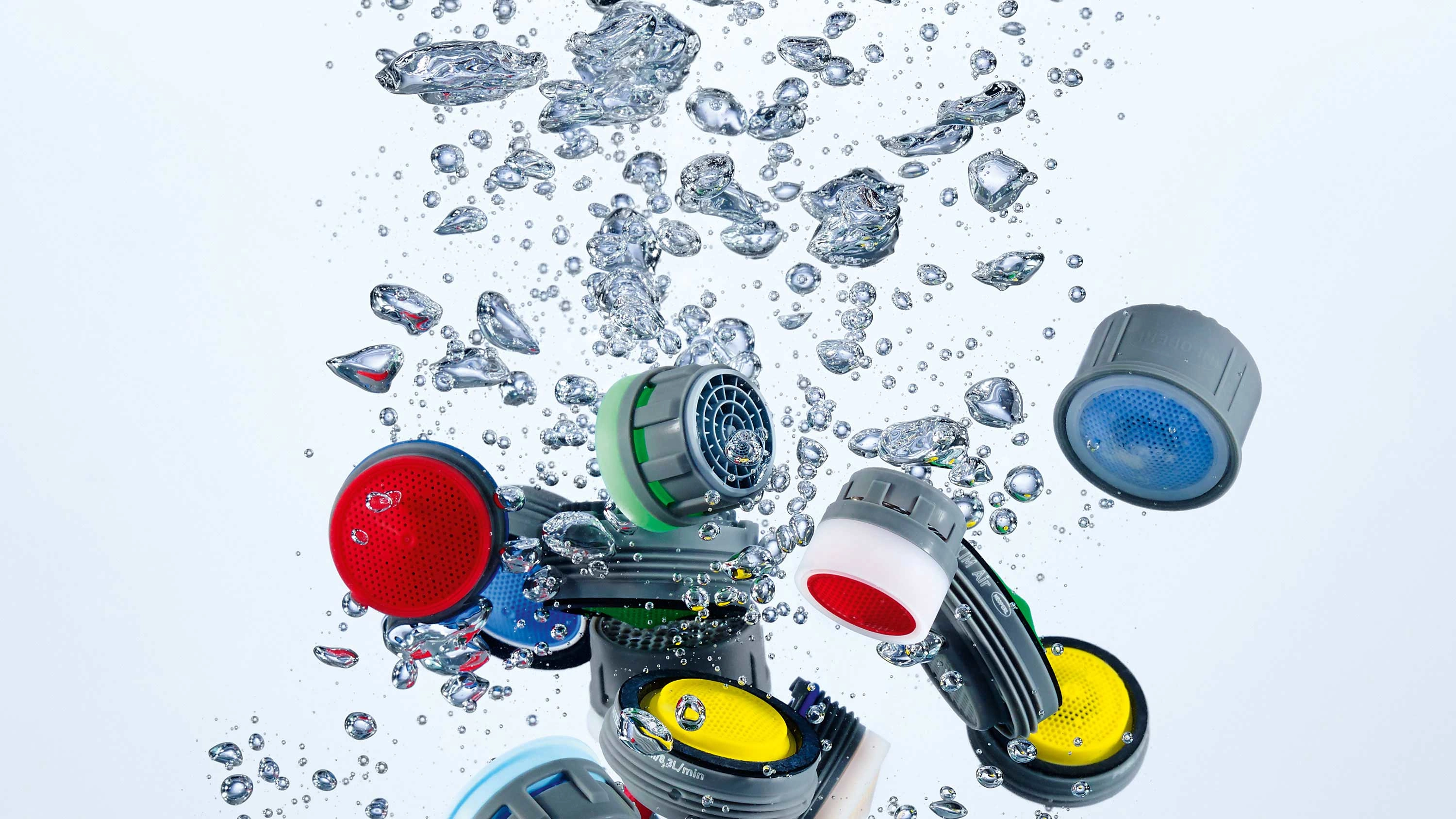
- To select the correct replacement aerator, note the type of thread – female or male – and the size of the aerator. Helpful hints for choosing the right size can be found here: › aerators with housing. If you only want to replace the insert and continue using the existing housing (the metal ring), remove the washer and the insert from the old housing. Place the new insert and washer in the existing housing. Please note: the washer often remains in the faucet during disassembly. If the washer is still in the faucet, carefully remove it and insert the new aerator.
- Use the NEOPERL service key to install the new aerator.
- Now open the faucet and check that the aerator is correctly installed. If water drips out between the faucet and the aerator, reinstall the aerator or tighten it more firmly with the key.